Table of Contents
ToggleSecure every document,
trace every action
Centralizes validation and quality documentation in one compliant, auditable repository — organized by role, connected to system records and traceable from the first upload.
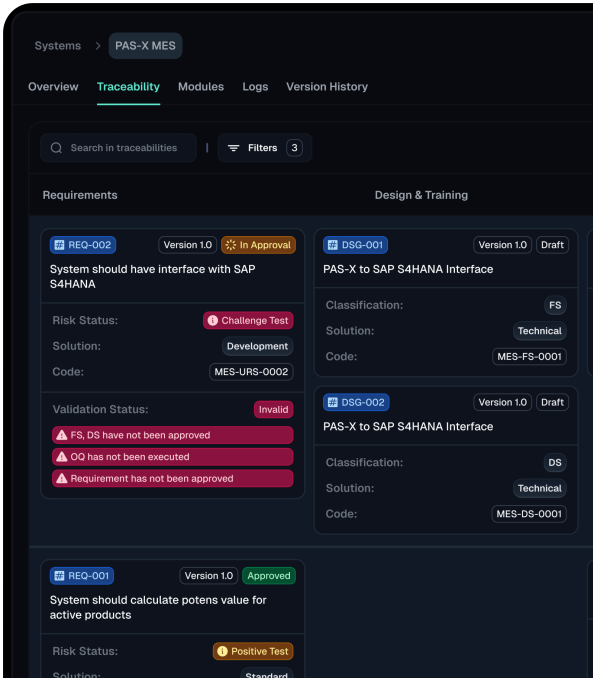
Teams can create folder structures to organize validation, QMS and business documentation in one place. Upload and download files, rename items and manage folder hierarchies with role-based permissions controlling access at every level. Repository folders link directly to System records so supporting documentation stays connected to the validated asset. Every upload, download, rename and deletion is automatically captured with user, timestamp and file-path details.
Role-Based Access Control
Define exactly who can upload, edit, download, delete or review documents based on assigned permissions. Validfor ensures documentation access stays controlled, consistent and aligned with the access policies expected in regulated environments.
System-Linked Audit Trail
Connect repository folders directly to System records and automatically capture every document action — uploads, downloads, renames and deletions — with full user and timestamp details. Every change is traceable, immutable and inspection-ready.
Smarter insights
bigger impact.

Computerized system validation is the backbone of safe,..
- Life Science, Validation Management

Data Integrity Policy for Pharmaceutical Industry is a set..
- Lifecycle, Validation Management

ALCOA principles are the five pillars, Attributable, Legible, Contemporaneous,..
- Life Science, Quality Assurance
Frequently Asked Questions
How does Validfor's Change Module streamline the change control process?
Can I customize the change request workflow in Validfor?
Yes, Validfor allows you to customize the change request workflow to match your organization’s specific needs. You can define different approval levels, assign roles and responsibilities.
How does Validfor ensure traceability in change management?
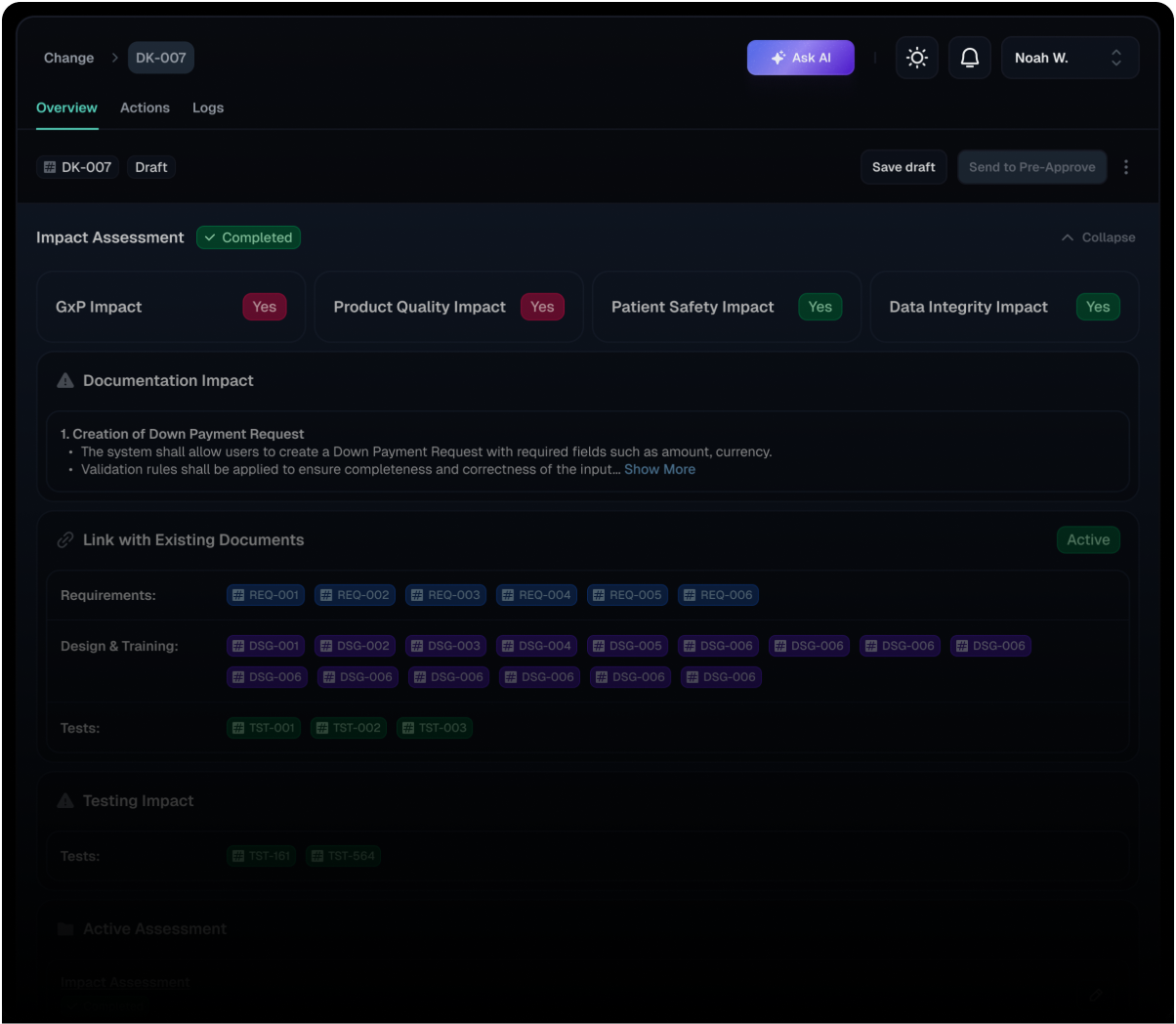
Validfor ensures traceability by automatically linking change requests to related documents, such as requirements, designs, and tests. Any changes made to these linked documents are automatically reflected in the change request, providing complete visibility and control over the impact of changes.
How does Validfor handle emergency changes?
Validfor allows you to define and manage emergency change requests with expedited workflows and approvals, ensuring that critical changes are implemented quickly and safely.
Can I track the history of changes made to a system in Validfor?
Yes, Validfor maintains a complete history of all changes made to a system, including who made the change, what was changed, and when it was changed. This provides full transparency and auditability.
How does Validfor support impact assessment for changes?
Validfor provides a structured framework for conducting impact assessments, allowing you to evaluate the potential impact of changes on various aspects, such as GxP, product quality, and patient safety.
How does Validfor support electronic signatures for change requests?
Validfor integrates electronic signature capabilities, allowing authorized users to electronically sign change requests and related documents, ensuring compliance with 21 CFR Part 11 requirements.
Can I generate reports on change management activities in Validfor?
Yes, Validfor provides customizable reports on change management activities, allowing you to track key metrics, identify trends, and demonstrate compliance.